Discord Game Stats Widget Updates
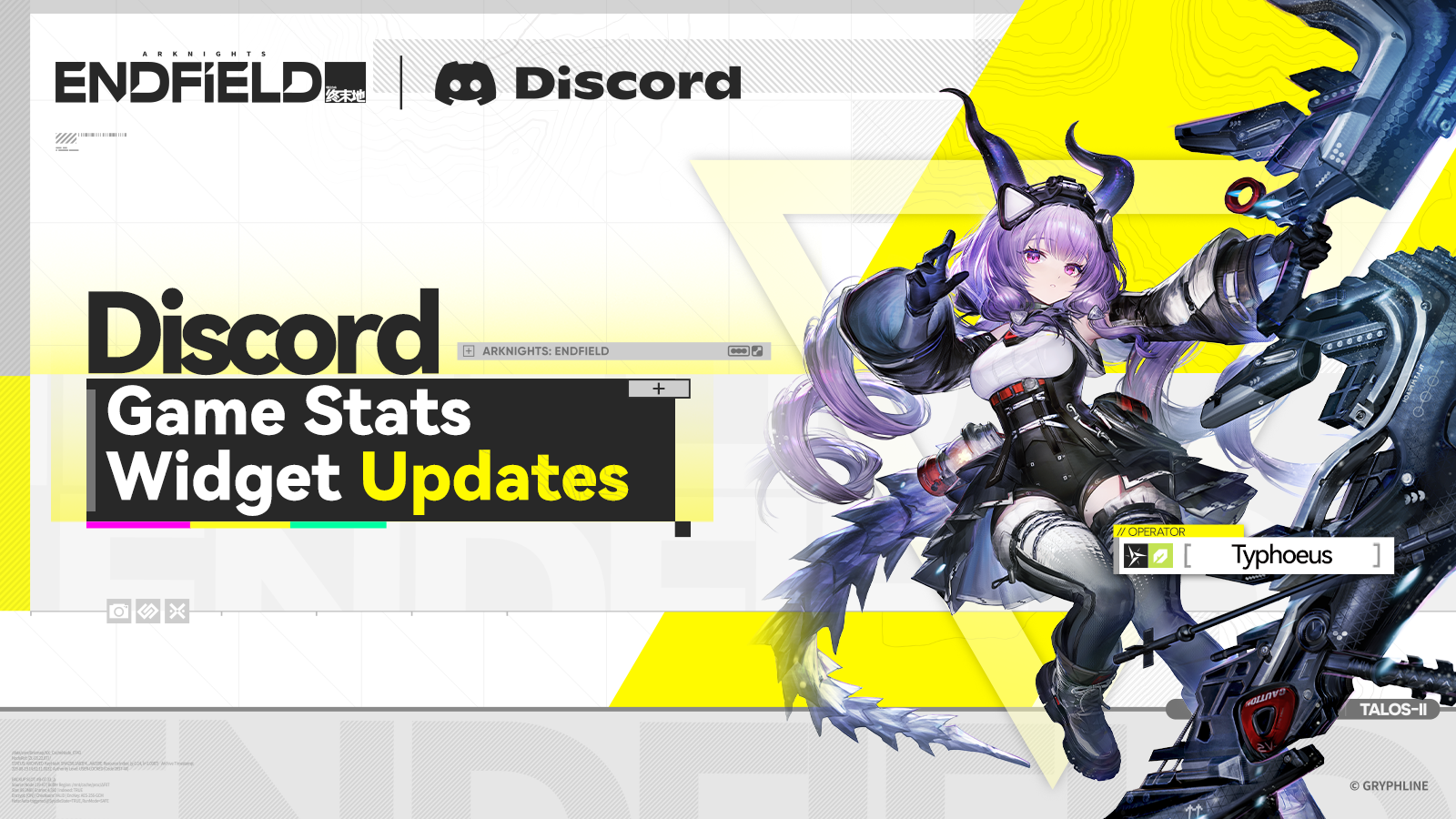
Arknights: Endfield Game Stats Widget updated. New operator "Typhoeus" theme is now live!
How to Select the "Typhoeus" Theme:
- First, link your Discord Account, then visit the Linking page, click [Select a theme to display], select Typhoeus's avatar and click [Confirm].
- After linking, head to Discord > Avatar > Edit Profile > Add Widgets, then select the Arknights: Endfield Game Stats Widget to display the "Typhoeus" Theme.
- You can also display more game info on Discord, including your nickname, server, account level, and playtime.
- Linking for the first time will also grant you [Oroberyl×100] and an exclusive role in our official Discord server.
>>>Link Now:
https://endfield.gryphline.com/special/discord-binding
For more details on Discord account linking and the Game Stats Widget, please head to the official Discord server: