Dear Endministrator,
This is the Arknights: Endfield Team.
Since the official release, we have journeyed alongside you for half a year. During these six months, every piece of feedback has been invaluable, and every encounter has been a joy. We are deeply grateful for your continued companionship and support.
The [Homecoming] Core Chapter Version serves as the final battle chapter of Wuling and stands as a truly significant milestone in this journey. Through this DEV Comm, we will introduce a series of optimizations and adjustments coming in this version.
Main Mission Early Unlock & Related Features
In order to fulfill new Endministrators' desire to experience Wuling as early as possible, we have added the following new features:
· New Permanent Activity [Main Mission Early Unlock: Wuling]: After the [Homecoming] version update, once you complete the main mission [Chapter I Process Ⅱ: Remediation Progress], you will be able to accept Chapter II main missions in advance via the [Event] screen and head to the Wuling region. This activity will not affect the progression of Chapter I main missions. You may return to Valley IV at any time to continue playing Chapter I content. Main missions from different chapters can be active at the same time.
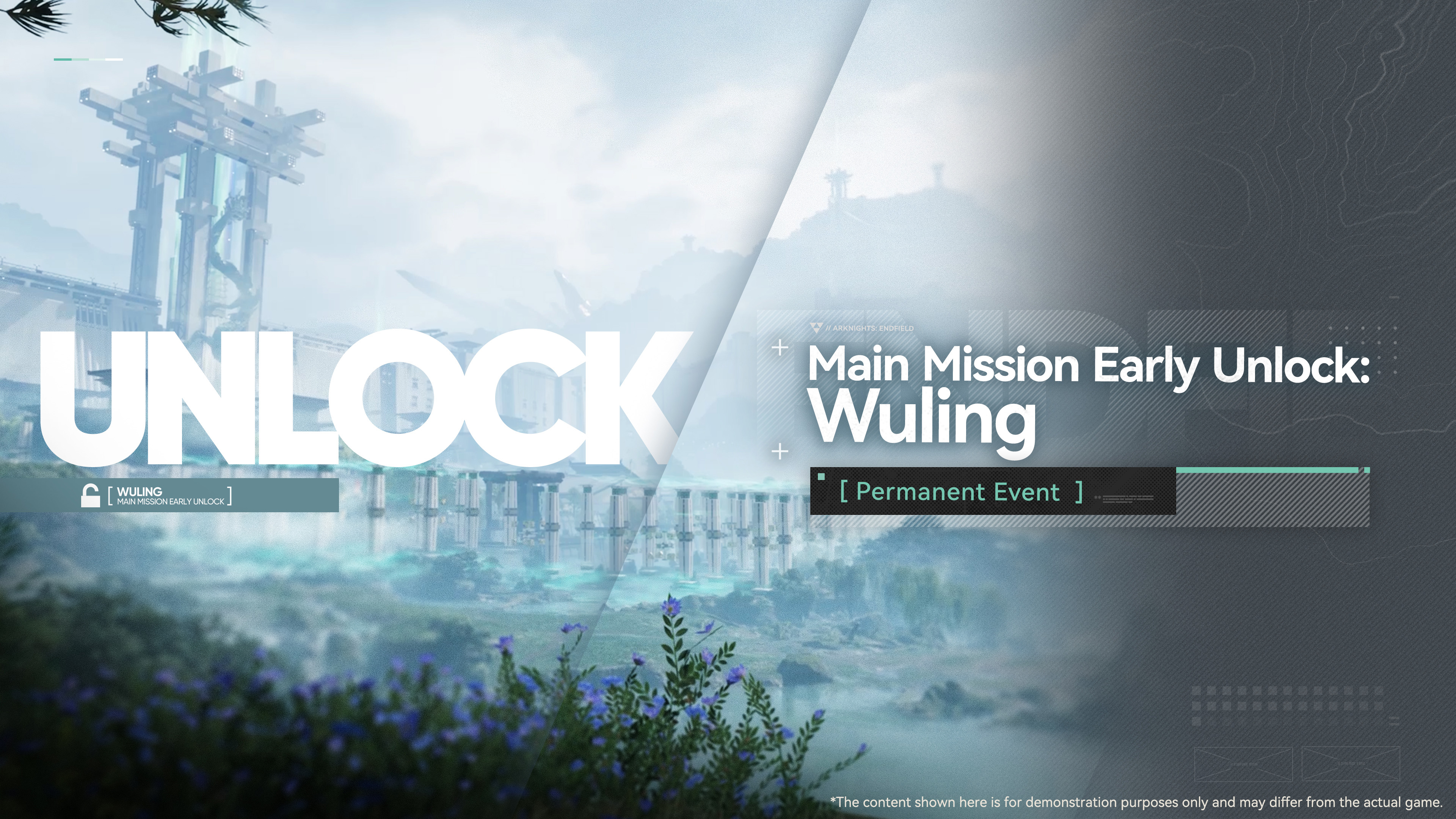
To enhance the experience after completing the [Main Mission Early Unlock] event, the following updates and adjustments have also been made:
· Content Adjustments for Wuling: For early access to Wuling, the relevant systems and stats will be adjusted accordingly to ensure a smooth exploration, combat, and progression experience. Most enemies in Wuling will scale with your Exploration Level. Upon entering Wuling and placing the Protocol Automation-Core, a batch of AIC facilities will be unlocked and provided in advance, letting you construct and use them early in Wuling to set up production lines. These facilities are not yet usable in Valley IV, and can only be used there after you research the corresponding AIC technologies in the Basic AIC Plan.
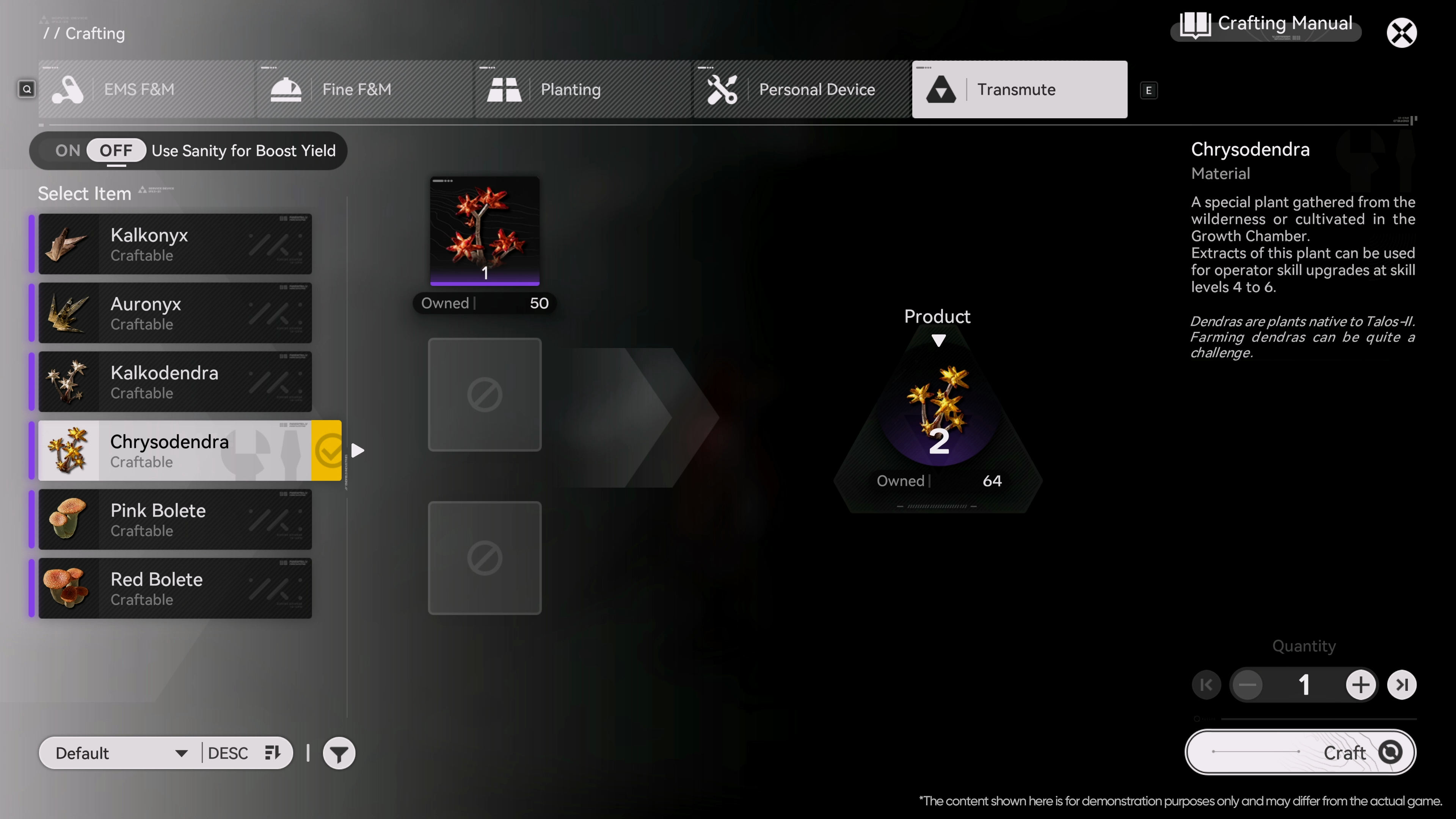
· New Feature [Transmute]: After progressing to [Chapter Ⅱ Process Ⅰ: Arrival at Wuling], you will be able to use this feature in the [Crafting] screen to transmute certain high-tier materials into lower-tier ones. Consuming Sanity can further increase the transmutation yield.
AIC Factory Gameplay Improvements
· Conduit Optimization: The connection distance for conduits is now calculated based on straight-line distance, with the upper limit increased from 200 meters to 300 meters. If teleportation would break the conduit connection, a confirmation prompt will appear. When saving blueprints that contain conduits, their connection states will now be saved along with the blueprint. When both the connected conduit inlet and outlet are selected and moved, copied, or saved as a blueprint in bulk, the connection state will be preserved.
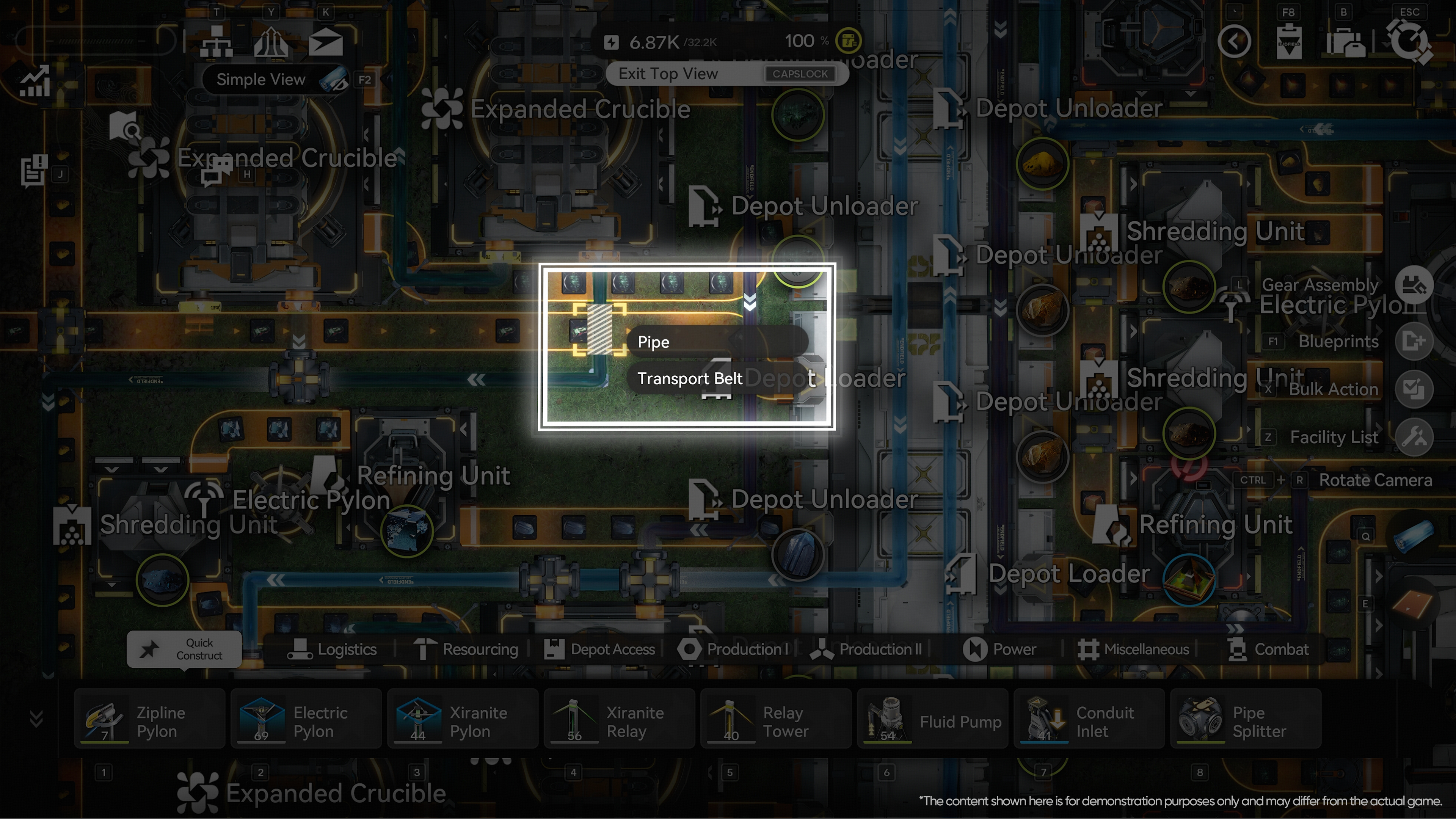
· Top View Mode Control Optimization: When selecting from multiple overlapping targets in top view mode, an option list will now pop up displaying the overlapping facilities for you to choose from, making production line management easier and more precise.
· Production Chain Display Optimization: A zoom feature has been added to the [Production Chain] screen in [Database]. When viewing a production chain, you can now zoom out to see the complete chain more easily.
· Facility Placement Optimization: When placing facilities with switchable modes, you can now select the desired mode before placement.
· AIC Factory Plan Display Optimization: When the unlock conditions for a tech node in the AIC Factory Plan include completing a prerequisite mission, a jump button for the corresponding mission will now be displayed next to the Research Criteria. If the mission has already been accepted, it will take you directly to the mission screen. If the mission has not been accepted yet, a corresponding prompt will pop up.
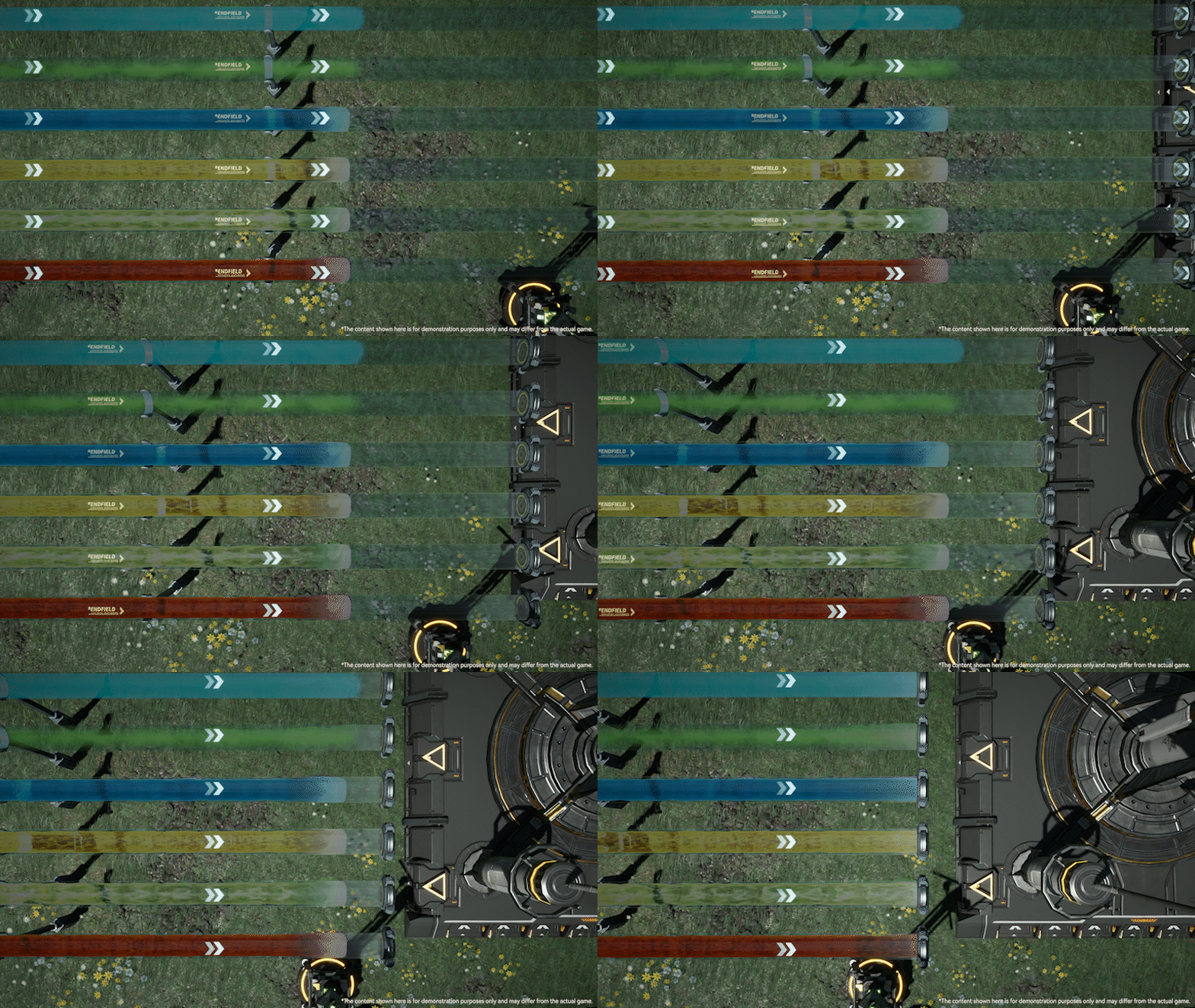
· Pipe Visual Optimization: When a pipe is not fully filled with gas or fluid, the flow's current location will now be shown in real time as it moves from the starting point toward the endpoint, making the visuals more consistent with the actual transport process.
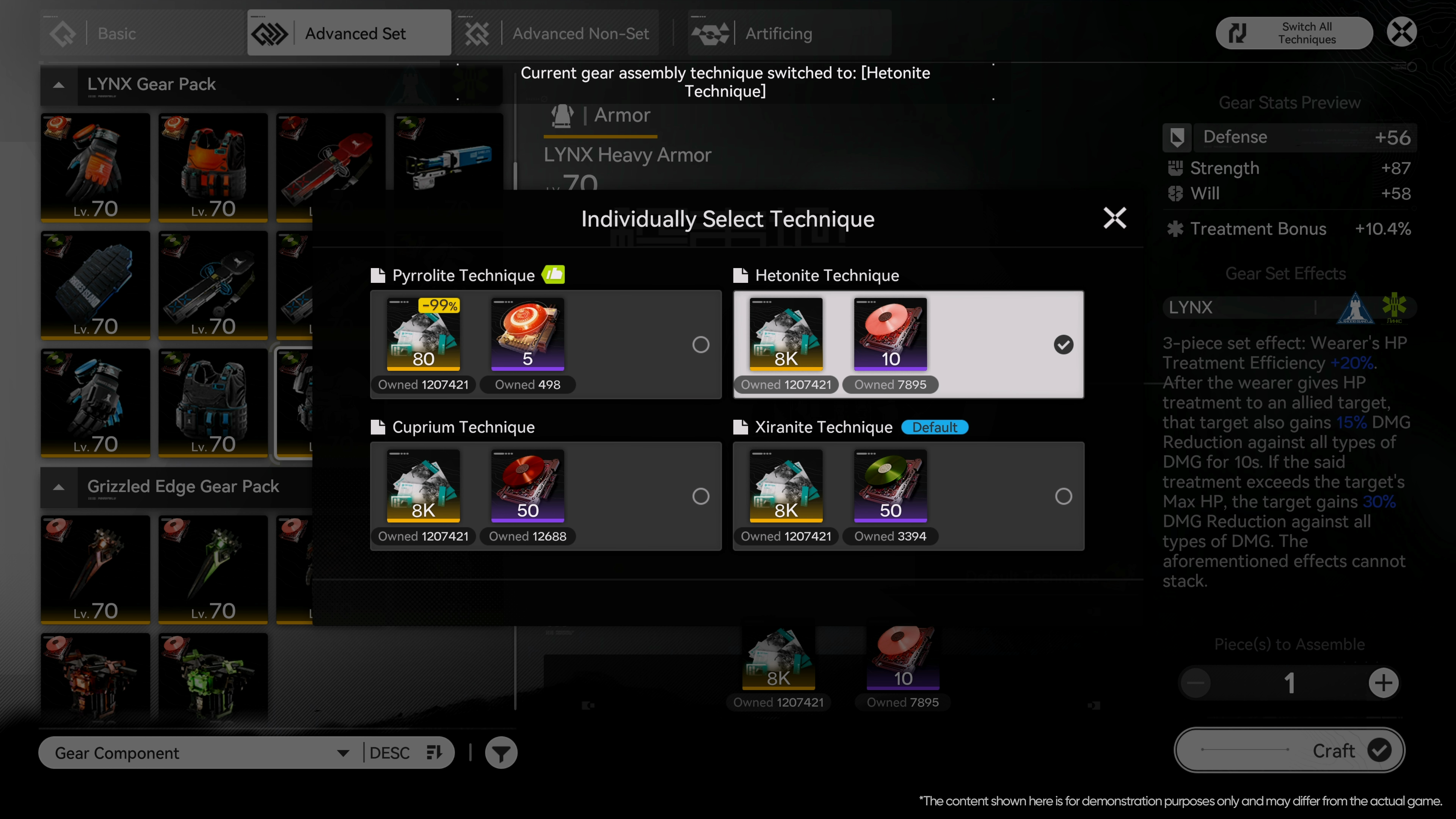
· Expanded Advanced Gear Assembly Techniques: Gold-quality gear now supports switching between different assembly techniques. In addition to the default technique, each piece of gear can be crafted using other compatible techniques. Different techniques consume different types and quantities of stock bills and components. Newly added assembly techniques are backward-compatible with older ones. When using the latest technique, stock bill consumption enjoys a substantial 99% discount. You can preview compatibility details for all techniques in [Gear Assembly - Switch All Techniques], bulk change assembly techniques for all eligible gear, or customize techniques for individual pieces of gear.
· Remote Stashing of Facilities in the Wild: AIC facilities placed outside the Sub-PAC areas, including but not limited to Relay Towers, Electric Pylons, ziplines, and combat facilities, can all be directly stashed to the regional depot via the [Stash] button on the map.
Combat Experience Improvements
· New Teammate Skill Visual Effect Adjustments: Custom adjustments for teammate skill visual effects are now supported, allowing you to adjust the quality and opacity of the effects, making the visual focus on the battlefield more prominent.
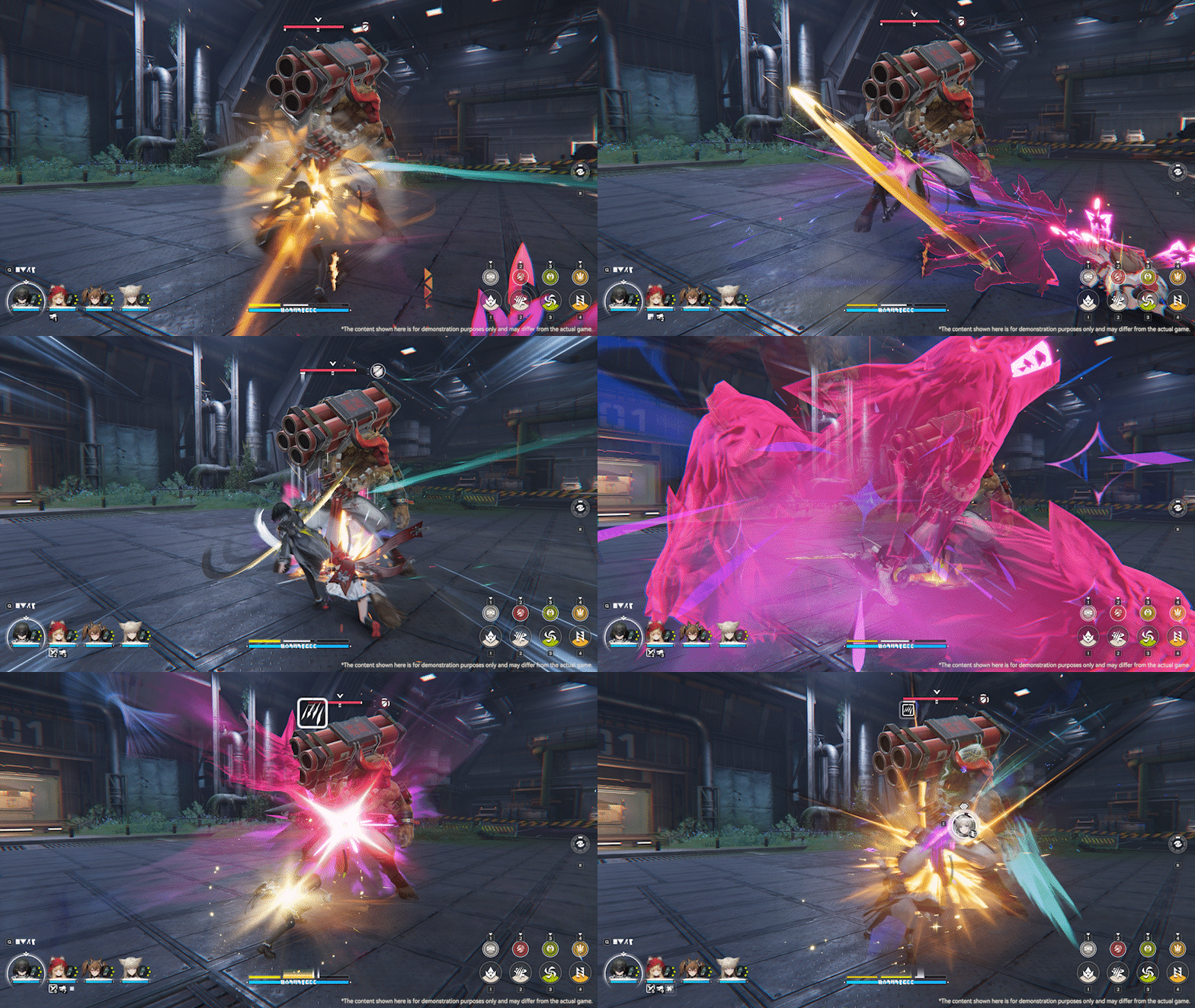
· Enemy Targeting Optimization: More detailed enemy targeting priority settings have been added. You can now adjust Skill Attack Targeting Priority, Active Target Lock-on, and Assisted Target Selection separately. Skill Attack Targeting Priority: You can customize the target type that skills prioritize — enemies that meet the skill's conditions, or the currently locked-on target. Active Target Lock-on: You can choose the default method or prioritize elite enemies. Assisted Target Selection: You can choose the default method, or prioritize target selection by movement input.
All of the above options can be flexibly adjusted according to personal preference. We will also continue to refine the targeting-related feature in future updates, further enhancing the overall combat experience.
Interactions and Quality-of-Life Improvements
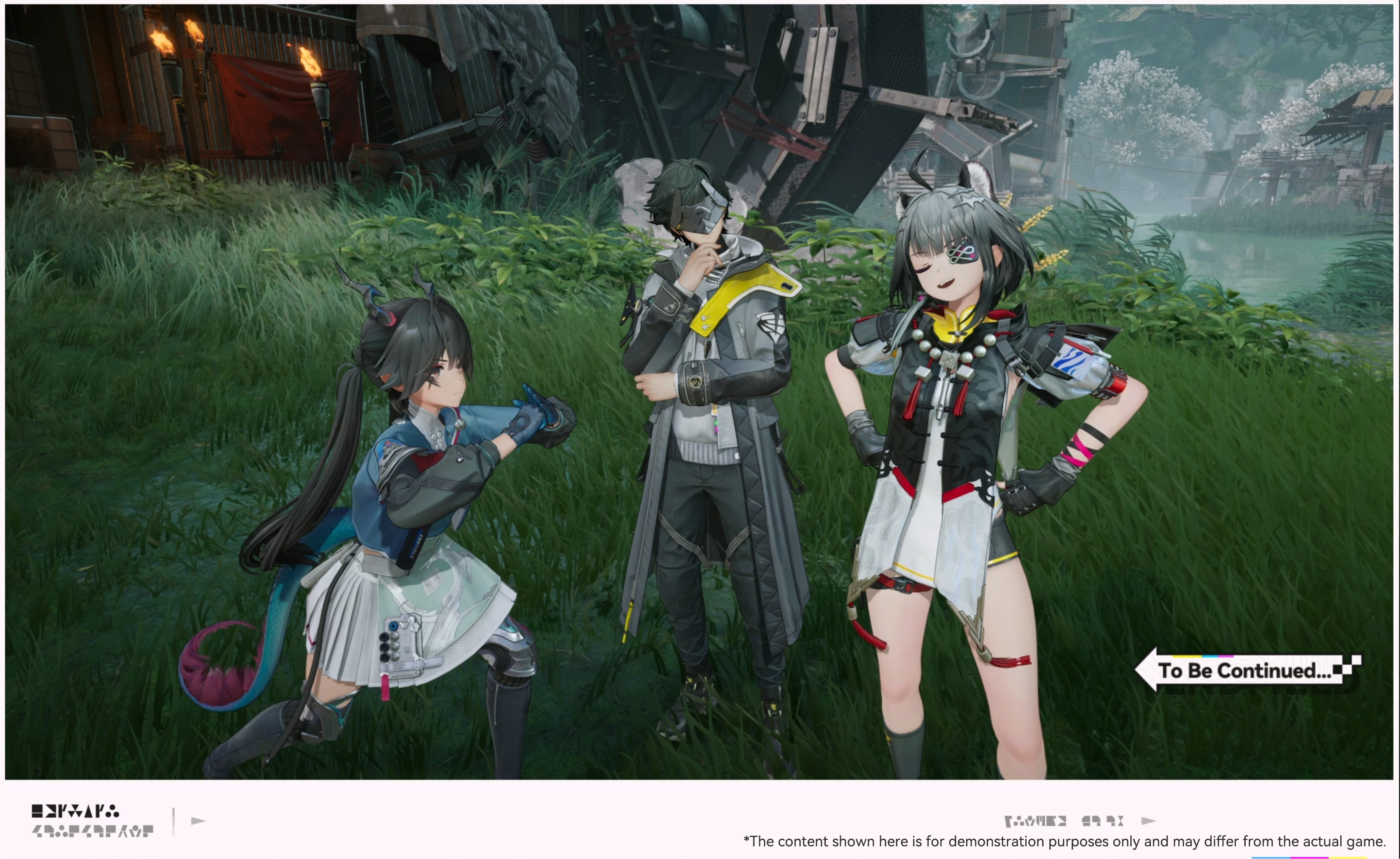
· Camera System Revamp: When taking photos, you can now freely move the operators in the current team, adjust their positions and orientations, and switch between auto focus and manual focus. The camera system includes a variety of selectable poses, with more operator-exclusive photo poses to be added in future updates. In addition, a range of new stickers have been added for you to get creative with your photos.
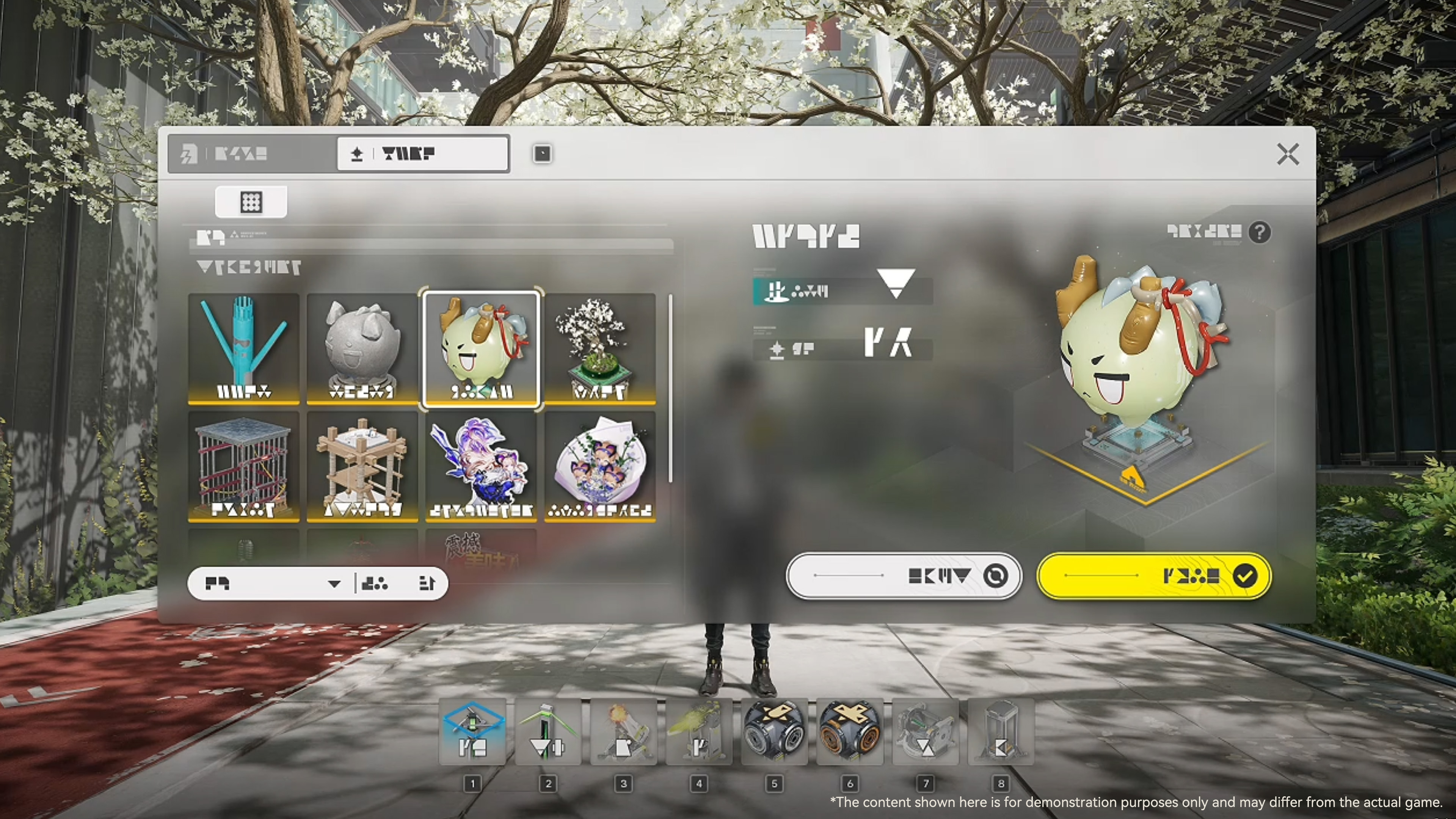
· Ornamental System Revamp: A dedicated management screen has been added for Ornamentals, making it easier to organize and view them. Ornamentals will no longer occupy Backpack or Depot capacity. Additionally, the Quick Stash feature will now support one-click stashing of all placed Ornamentals of the selected type in the current region.
· New [Arsenal Defense Crate]: After the version update, completing the operator trial event will allow you to directly claim a special set of Fully Artificed Level 60 gear from the [Arsenal Defense Crate], which is well-suited for the current trial operator. Once your game progress reaches the Wuling region, all corresponding [Gear Templates] for this gear set will be unlocked automatically.
· Dijiang Experience Optimizations:
○ Loading speed will be increased when visiting a friend's Dijiang.
○ Cabin upgrades can be done remotely via the [Control Nexus].
○ The duration of clue exchanges in the Reception Room has been shortened from 24 hours to 20 hours. Additionally, the [Clue Library] screen will now feature markers to distinguish between clues collected by the Endministrator themselves and those from friends.
· New Operator Artwork Viewing Feature: You can now switch to view the 2D artwork of owned operators from the [Operators] display screen, with more freedom to admire your favorite operators.
· New [ID Info Update Card]: You can change your name upon using this item. One ID Info Update Card will be available for free every six months. If additional cards are needed, they can also be purchased directly.
· New [Birthday] Feature: After setting your birthday information, you will receive a special greeting on your birthday. If, when setting your birthday for the first time, the birthday for the current year has already passed, this year's birthday mail will be sent retroactively. You may also freely choose whether to publicly display your birthday on your profile page.

· Story Dialogue Experience Optimization: Definitions for key terms have been added to dialogues to help you better understand the worldbuilding and lore.
· Missions and Tag Tracking Optimization: After clicking [Track] in the [Mission] screen, if the next step is to view a message, it will take you directly to the corresponding Baker screen. If the next step is to go to a specific location, it will open the map and highlight the target location. Additionally, a [Teleport] button has been added to the map tag details page, allowing you to automatically select the nearest TP Point to the target location, reducing the number of steps required.
· Incident Investigation Interface Optimizations: The information display on the Incident Investigation screen has been optimized, with new investigation area prompts and comment sources added, making it easier to locate incomplete investigation information.
Graphics & Technical Updates
· PC Graphics & Visuals Optimizations:
○ Supports NVIDIA DLSS 4.5 Super Resolution technology. When enabled, image details become sharper and clearer, while maintaining stable frame rates even in complex scenes.
○ Added support for AMD FSR 3, providing options for FSR 3 Super Resolution mode and Frame Generation on compatible hardware. You can freely choose the appropriate image enhancement and frame interpolation solutions in the settings based on your hardware configuration, balancing visual quality and smoothness.
·PS5®Pro Graphics & Visuals Optimizations: Supports the upgraded PSSR, further enhancing image quality and clarity to fully leverage the hardware capabilities of thePS5®Pro.
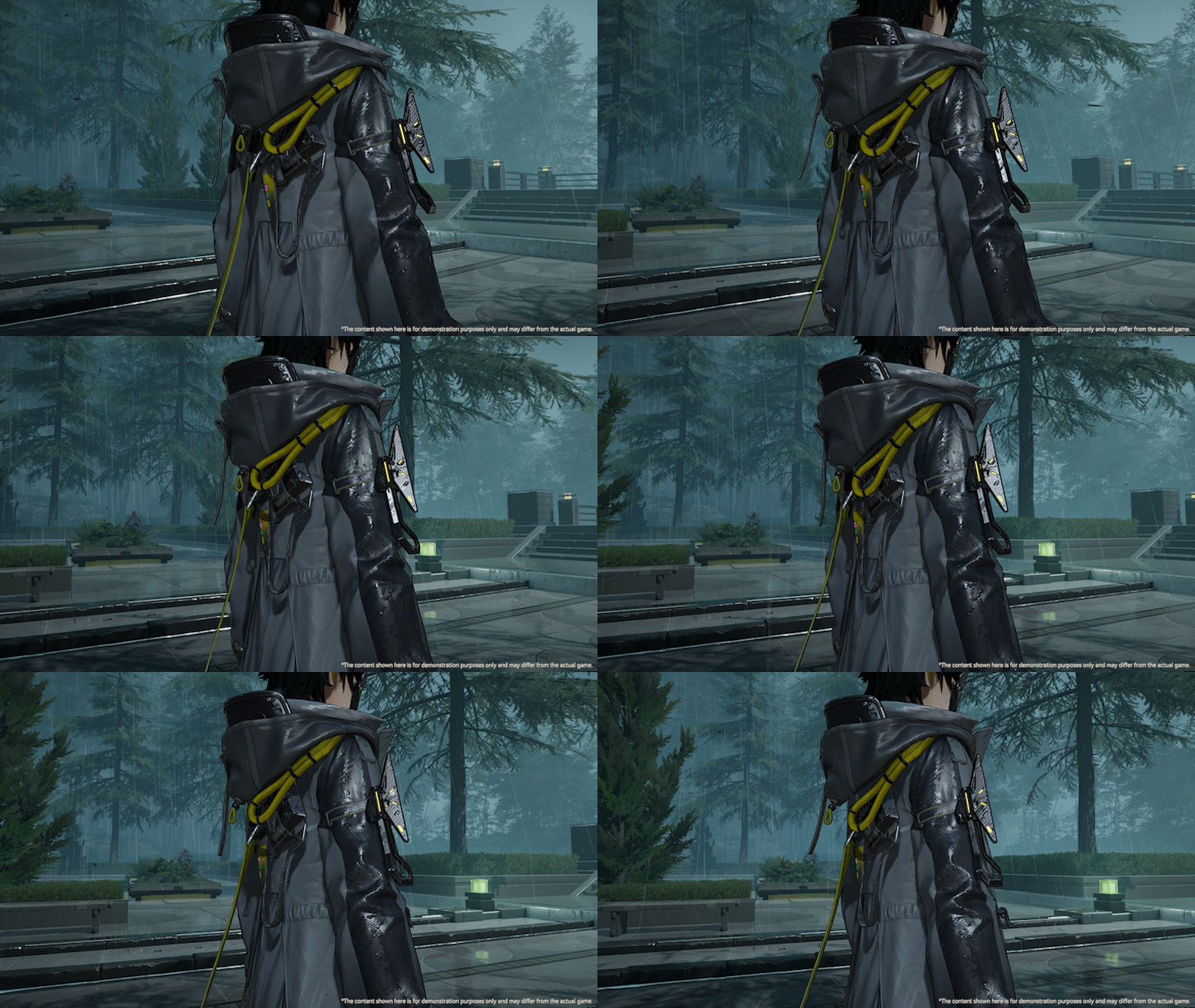
· Enhanced Rainy Weather Visuals: When playing on PC and PS5® devices, characters will show richer surface details in the rain, with more realistic raindrop adhesion, wet texture, and other effects, further enhancing immersion in rainy scenes.
· Mobile Client Storage Space Optimization: This update will consolidate and optimize game resources, reducing the mobile client size and minimizing storage space usage on devices.
Thank you, Endministrator, for your continued interest and support for Arknights: Endfield. More content and optimizations are still in development. The past is close but our journey stretches on. On Talos-II, we venture forth as one. We look forward to meeting you all once again in [Homecoming].
Arknights: Endfield Team